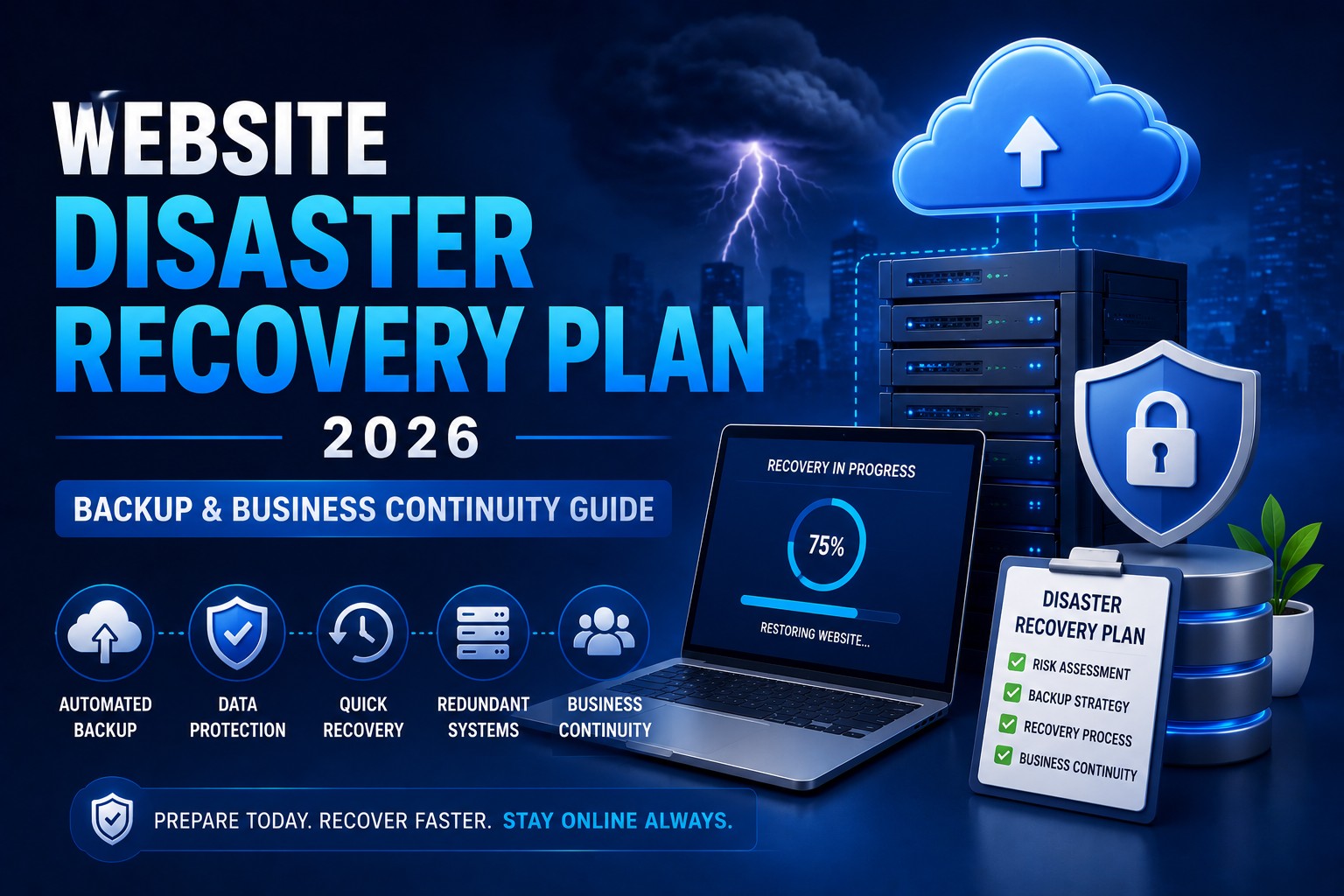
Website Disaster Recovery Plan 2026 – Backup & Business Continuity Guide
- By Anis Ur Rahman
- 29 Sep, 2025
Last Updated: 8 July 2026 | Read Time: 5 Minutes
Why Your Business Needs a Website Disaster Recovery Plan in 2026
Imagine your business website suddenly goes offline—whether due to a server failure, a cyberattack, or even a simple technical error. What happens then? Customers can’t access your website, place orders, or access your revenue stream, and it comes to a complete halt.
Even worse, you risk losing all your valuable website data.
That’s why smart, proactive business owners prepare a Website Disaster Recovery Plan before any problem arises.
Key Takeaways – Website Disaster Recovery Plan 2026
Disaster recovery is your digital insurance – downtime = revenue loss.
5 essential steps: risk assessment, recovery objectives, backup strategy, emergency response, and testing.
3-2-1 backup rule: 3 copies, 2 storage types, 1 offsite.
Ransomware protection is critical – use multi-layered security (prevention, detection, response).
Testing is mandatory – monthly backup test, quarterly simulation, yearly full exercise.
The right hosting provider matters – choose one with daily backups, SSL, and 99.9% uptime.
Bangladesh businesses need special focus – frequent power outages and connectivity issues require cloud + UPS solutions.
What is Website Disaster Recovery?
Website disaster recovery is a strategic plan designed to restore lost data and ensure your online business operations remain functional even after unexpected disruptions.
According to industry experts, disaster recovery includes all the processes, policies, and tools required to recover or maintain critical business functions. This covers:
Website files
Databases
Email systems
Customer data
Key components include:
Data backup and storage systems
Emergency response procedures
Recovery time objectives (RTO)
Recovery point objectives (RPO)
Privacy and Security Tip: Always encrypt your backup data and store copies in multiple geographic locations. This protects against both cyber threats and natural disasters.
Quick FAQ: Common Disaster Recovery Questions
How long should website recovery take?
Most businesses aim for 4-24 hours maximum downtime. Critical e-commerce sites often target 1-2 hours.
What causes most website disasters?
A: Human error (40%), hardware failures (30%), cyber attacks (20%), and natural disasters (10%).
The 5 Essential Steps of Disaster Recovery Planning
Step 1: Risk Assessment and Business Impact Analysis
Start by identifying what could go wrong. Every website faces unique threats.
Common disaster scenarios:
Server hardware failures
Ransomware and cyber attacks
Natural disasters (floods, earthquakes)
Power outages and connectivity issues
Human errors during updates
Create a simple risk matrix. List each threat and rate its likelihood (1-5) and potential impact (1-5). Focus your planning efforts on high-scoring risks first.
Step 2: Define Recovery Objectives
Set clear, measurable goals for your recovery process.
Recovery Time Objective (RTO): How quickly must systems be restored?
E-commerce sites: 2-4 hours maximum
Corporate websites: 8-24 hours
Personal blogs: 24-72 hours acceptable
Recovery Point Objective (RPO): How much data loss is acceptable?
Financial sites: Zero data loss
Business sites: 1-4 hours of data
Static sites: 24 hours acceptable
Step 3: Create a Comprehensive Backup Strategy
Your backup system is your safety net. Don't trust just one method.
The 3-2-1 Backup Rule:
3 copies of important data
2 different storage types (cloud + local)
1 offsite backup location
Backup frequency guidelines:
Database changes: Every 4-6 hours
Website files: Daily minimum
Complete system images: Weekly
Expert Recommendation: Md Mobarok Hossain, Senior System Administrator at Ummah Host BD, suggests: "Automated daily backups prevent 95% of data loss scenarios. The key is testing your backups monthly to ensure they actually work."
Step 4: Implement Emergency Response Procedures
When disaster strikes, every minute counts. Pre-planned procedures eliminate confusion.
Step-by-step response protocol:
Detect and assess the problem (5-15 minutes)
Activate the disaster recovery team (immediate)
Implement temporary solutions (30-60 minutes)
Begin full system restoration (varies)
Monitor and validate recovery (ongoing)
Step 5: Test and Maintain Your Plan
A disaster recovery plan that's never tested is just paperwork. Regular testing reveals gaps before real emergencies occur.
Testing schedule:
Monthly: Backup restoration tests
Quarterly: Partial disaster simulations
Annually: Full disaster recovery exercises
Check More: Managed WordPress Hosting Solutions
Ransomware Protection for Websites
Ransomware attacks increased by 41% in 2024. Your website isn't just a target – it's a gateway to your entire business network.
Multi-Layer Security Approach
1. Preventive Measures:
Keep all software updated (WordPress, plugins, themes)
Use strong, unique passwords for all accounts
Enable two-factor authentication everywhere
Install reputable security plugins
2. Detection Systems:
Real-time monitoring for unusual file changes
Traffic analysis for suspicious patterns
Automated alerts for login anomalies
3. Response Capabilities:
Isolated backup systems (air-gapped storage)
Incident response procedures
Cyber insurance coverage review
Case Study: Local Business Survives Ransomware
How to Automate Disaster Recovery
Manual recovery processes work for small sites. Growing businesses need automation to minimize downtime and human error.
Automated Backup Solutions
Popular automation tools:
CodeGuard (cPanel hosting): Real-time monitoring
Acronis Cyber Backup: Enterprise-grade automation
AWS Backup: Scalable cloud solutions
Infrastructure Automation
Auto-scaling capabilities:
Traffic spike management
Server resource allocation
Load balancing across multiple servers
Monitoring and alerting:
24/7 system health monitoring
Automated incident detection
Performance baseline tracking
Explore More: WordPress Website Backup & Security
Hosting Solutions with SSL and Backup Integration
Your choice of hosting has a direct impact on the success of your disaster recovery plan. However, not all hosting providers offer the same level of security and backup protection.
Managed Hosting with Built-in Disaster Recovery
Key features to demand:
Automated daily backups (minimum)
Geographic backup distribution
One-click restoration capabilities
SSL certificate management
99.9%+ uptime guarantees
Hosting tiers for disaster recovery:
Learn More: Best WordPress Hosting Guide for 2026
Cloud Recovery Hosting Options
Leading cloud platforms for recovery:
AWS: Global infrastructure, automated backup services
Google Cloud: Machine learning-powered monitoring
Microsoft Azure: Hybrid cloud capabilities, AI-powered threat detection
Regional considerations for Bangladesh: Select providers with data centers in Southeast Asia for optimal performance.
Data Protection Methods in Web Hosting
Beyond backups, comprehensive data protection requires multiple security layers.
The Five Methods of Data Protection
1. Access Control Systems
Multi-factor authentication (MFA)
Role-based permissions
Regular access audits
2. Encryption Technologies
Data-at-rest encryption (stored files)
Data-in-transit encryption (SSL/TLS)
Your Database encryption
3. Network Security Measures
Firewalls and intrusion detection
Network segmentation
4. Physical Security Controls
Data center access restrictions
Environmental monitoring
Secure disposal procedures
5. Monitoring and Auditing
Real-time threat detection
User activity logging
Automated alert systems
Data Loss Prevention (DLP) Implementation
Host-based vs Network-based DLP:
Host-based DLP:
Monitors individual servers/computers
Controls file access and modifications
Works offline and online
Network-based DLP:
Monitors network traffic
Detects data transmission violations
Controls email and web uploads
Best DLP tools for websites:
Symantec DLP: Enterprise-grade protection
Forcepoint DLP: Cloud-native solution
Microsoft Purview: Office 365 integration
Creating Your Website Disaster Recovery Checklist
Pre-Disaster Preparation (Do This Now)
Technical Setup:
Install an automated backup solution
Test backup restoration process
Configure monitoring alerts
Document all login credentials securely
Set up a backup hosting account
Install security plugins/software
Enable SSL certificates
Team Preparation:
Assign disaster recovery roles
Train team members on procedures
Create communication templates
During a Disaster (Emergency Actions)
Immediate Response (0-30 minutes):
Assess the situation quickly
Stop ongoing damage if possible
Notify your disaster recovery team
Begin documenting all actions taken
Short-term Actions (30 minutes - 4 hours):
Implement temporary solutions
Start restoration from backups
Update customers/stakeholders
Monitor restoration progress
Budget Planning for Disaster Recovery
Small Business (Monthly Investment):
Basic backup service: $10-25
Security monitoring: $20-50
Emergency hosting: $15-30
Total: $45-105/month
Medium Business (Monthly Investment):
Advanced backup solutions: $50-150
Comprehensive security: $100-300
Managed disaster recovery: $200-500
Total: $350-950/month
Learn Our Perfect Guide: Backup in Hosting Services in 2026
Expert Recommendations
From Cyber Security Specialist Dr. Fatema Khan, BUET:
"Most businesses focus on prevention but neglect recovery planning. The companies that survive major incidents are those that practice their disaster recovery procedures regularly."
Regional Considerations for Bangladesh
Infrastructure challenges:
Frequent power outages during the monsoon season
Limited local data center options
Internet connectivity disruptions
Recommended solutions:
International cloud hosting backup
Multiple internet service providers
UPS systems for critical equipment
Conclusion: Your Next Steps to Digital Safety
By now, you understand how crucial a Website Disaster Recovery Plan is for your business. The real question isn’t if a disaster will happen—it’s when, and whether you’ll be prepared.
Start with these immediate steps:
Implement automated daily backups this week
Test your backup recovery process within 30 days
Build your emergency response team and procedures
Schedule quarterly disaster recovery reviews
Consider upgrading to managed hosting with built-in disaster recovery
Successful businesses are those that plan for both success and setbacks.

Author By
Anis Ur Rahman
Anis Ur Rahman writes domain and web hosting–related articles on behalf of Ummah Host BD. He works with domain name selection, web hosting, BDIX hosting, and website performance, and creates informational guides based on practical experience to help users make informed decisions. His writing focuses on providing reliable, easy-to-understand, and decision-supportive content.
Search Blog
Categories
- Problem Solving 3
- RDP Hosting 4
- SMS Service 17
- IP Number 11
- Reseller Hosting 5
- Promo Offer 2
- Achieve 3
- SSD Hosting 5
- cPanel Hosting 7
- BDIX Hosting 7
- Email Hosting 4
- Dedicated Server 7
- User Guide 0
- Security 4
- Online security 6
- Business 5
- SEO 3
- VPS Hosting service 31
- Manage Hosting 1
- domain hosting service 29
- Domain 1
- Hosting 40