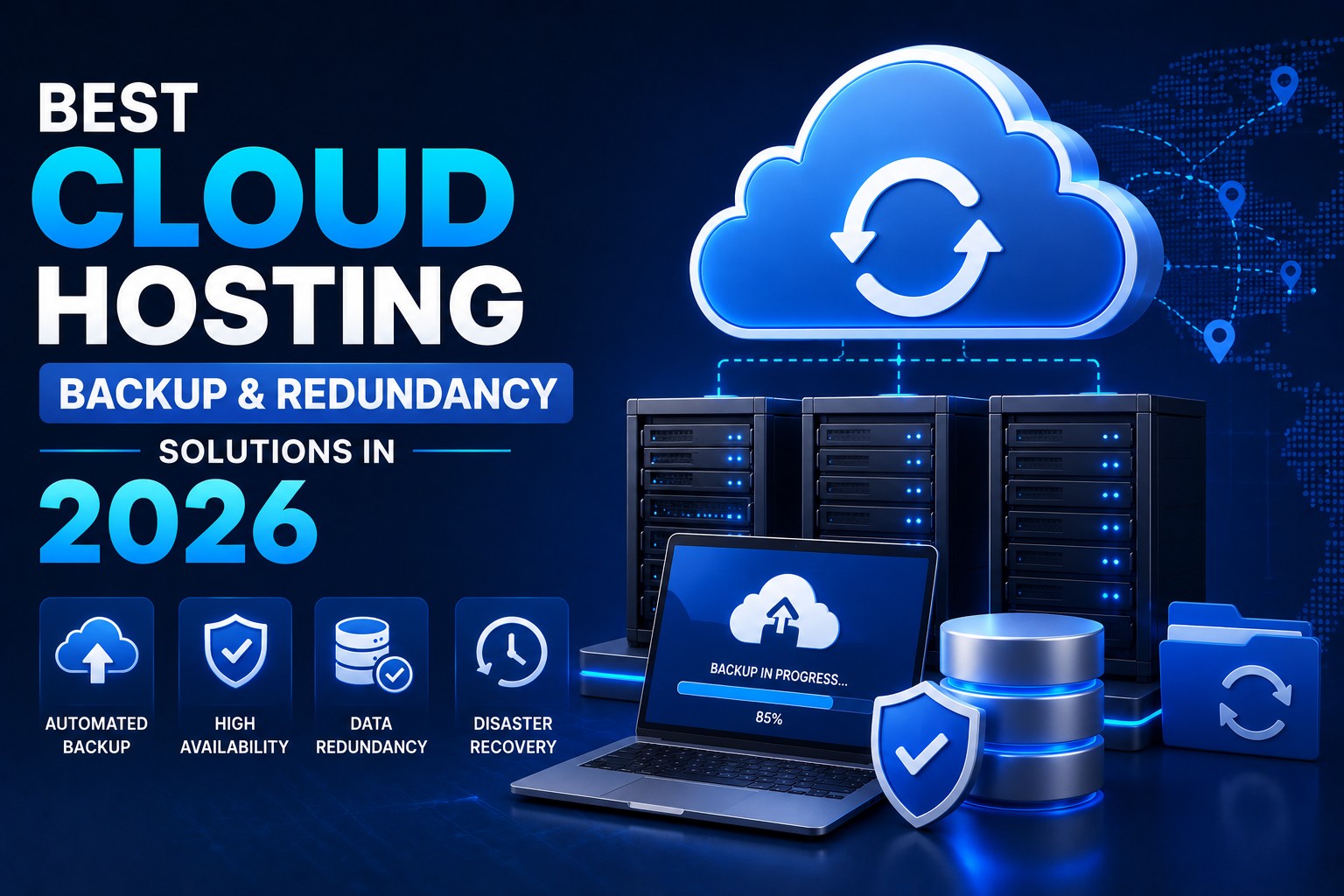
Best Cloud Hosting Backup & Redundancy Solutions in 2026
- By Anis Ur Rahman
- 27 Sep, 2025
Last Updated: 7 July 2026 | Read Time: 5 Minutes
Why Your Business Needs Cloud Backup Now
Hardware failures, hacker attacks, or unexpected disasters can often lead to critical website data loss. Traditional local backups are usually stored on the same server or device, which means if the main server is compromised, those backups can also become useless.
Cloud backup solves this problem:
Your files remain securely stored off-site on remote servers.
Backups are created automatically, minimizing the risk of human error.
It offers scalability, so as your business grows, your backup capacity grows with it.
In today’s digital world, relying solely on local or plugin-based backups is insufficient. Cloud backup adds extra layers of security and redundancy, ensuring your business never comes to a halt—even in the worst-case scenario.
What Will You Learn From This Article?
Along with discovering the best cloud backup solutions for 2025, you’ll also learn:
A list of top service providers
Which features are essential for your business
How to apply the 3-2-1 backup rule to keep your data fully protected
The best part? Even if you’re a complete beginner, this article will guide you step by step in simple, easy-to-understand language.
What is Cloud Backup & Redundancy?
Cloud backup is the process of copying your data to remote servers managed by cloud providers, instead of storing it only on local devices. This ensures your files are securely saved across multiple global data centers.
Redundancy means your data exists in more than one location. If one server fails or data is lost, another server with the backup ensures your information remains accessible.
A simple example: think of it like having spare keys to your house. Even if you lose one, the others still allow you to unlock the door. In the same way, redundancy guarantees your data stays safe and available at all times.
If you’re running a WordPress site, read our step-by-step guide on WordPress Website Backup & Security – Protect Against Hacks & Data Loss.
Quick FAQ
How often should I backup?
Critical business data daily. Less important files weekly.
Is cloud backup secure?
Yes, with proper setup. Choose providers offering end-to-end encryption.
Backup vs redundancy difference?
Backup creates data copies. Redundancy stores copies in multiple locations.
Top Cloud Backup Providers for Small Businesses
Amazon Web Services (AWS) S3
Best for: Growing businesses with technical teams
Key Features:
99.999999999% durability
Global data centers
Pay-as-you-use pricing
Pros: Extremely reliable, scales automatically, enterprise-grade
Cons: Complex pricing, requires technical knowledge
Ummah Host BD
Best for: Google Workspace users
Key Features:
Seamless Google integration
Machine learning insights
Strong security controls
Pros: Easy Google setup, competitive pricing, excellent support
Cons: Limited third-party integrations, data transfer fees
Backblaze B2
Best for: Budget-conscious small businesses
Key Features:
Simple, transparent pricing
No minimum storage requirements
Easy-to-use interface
Pros: Very affordable, no hidden fees, startup-friendly
Cons: Limited advanced features, slower than enterprise solutions
Microsoft Azure Backup
Best for: Windows-based companies
Key Features:
Native Windows integration
Hybrid cloud support
Application-aware backups
Pros: Perfect Microsoft compatibility, enterprise features
Cons: Expensive for small businesses, learning curve
Learn our best guide on: Backup in Hosting Services 2026
Cloud vs Hard Drive Backup Hosting Comparison
Winner: Cloud backup offers superior long-term value and protection.
The Essential 3-2-1 Backup Rule
The 3-2-1 rule provides gold-standard data protection:
3 copies of important data
2 different storage media
1 offsite backup location
How Much Storage Do You Need?
Small Business (1-10 employees)
Minimum: 100 GB
Recommended: 500 GB - 1 TB
Covers: Documents, emails, basic files
Medium Business (10-50 employees)
Minimum: 1 TB
Recommended: 5-10 TB
Covers: Databases, multimedia, applications
Storage Planning Tips
Audit current usage - Check existing data volume
Add growth buffer - Plan 30-50% extra capacity
Consider retention - How long to keep old backups?
Factor file types - Videos need more space than documents
Explore More: SSD Storage vs HDD Hosting in 2026
Offsite Backup: Location Matters
Storing backups offsite protects against local disasters. Smart location choice is crucial.
Why Geographic Distribution Helps
Disaster resilience: Natural disasters won't hit all locations
Performance: Closer servers mean faster access
Compliance: Meet industry data location requirements
For Bangladesh Businesses
BDIX connectivity: Faster local server access
International backup: Singapore/India data centers for redundancy
Legal compliance: Follow Bangladesh data protection laws
Cloud Backup Recovery During Migration
Switching hosting providers? Here's a safe backup recovery:
Step 1: Verify Backup Integrity
Test restore sample files before migration. Ensure backups work perfectly.
Step 2: Prioritize Recovery Order
Critical systems first: Databases, core applications
User files second: Documents, images
Archives last: Old files, logs
Step 3: Use Gradual Restoration
Don't restore everything simultaneously. Start with essentials, and gradually add more files.
Explore More: How to Transfer a Website to Another Hosting Provider
Advanced Backup Strategies
Automated Scheduling
Set daily automated backups during low-traffic hours. Most providers offer scheduling tools requiring no manual work.
Version Control
Keep multiple versions of the same file. If a file becomes corrupted or is accidentally modified, older versions are essential for easy recovery.
Encryption Best Practices
Use AES-256 encryption for sensitive data. However, make sure never to store the encryption key with your backup, ensuring your data remains fully secure.
Cost Optimization Tips
Choose Right Storage Classes
Hot storage: Frequently accessed files
Cold storage: Monthly access needs
Archive storage: Long-term retention
Monitor Transfer Costs
Download fees can impact many users. Therefore, it’s important to choose a provider that offers reasonable usage rates and cost-effective pricing for your needs.
Use File Compression
Compress files before backup to reduce storage costs. Modern tools handle this automatically.
Common Backup Mistakes to Avoid
Not testing restores - Backup means nothing if recovery fails
Ignoring retention policies - Old backups waste expensive storage
Weak access controls - Limit who can delete backups
Single provider dependency - Use multiple providers for critical data
Your Action Plan: Start Today
You now understand cloud backup essentials for 2025. Here's your implementation roadmap:
Calculate storage needs - Audit current data volume
Select provider - Choose from our recommendations above
Implement the 3-2-1 rule - Never rely on a single backup method
Schedule testing - Monthly restore tests ensure reliability
Monitor expenses - Review usage, optimize storage classes
The best backup strategy is the one you actually use consistently. Start with a simple approach, and gradually make improvements as needed.
To protect your business data, compare the providers mentioned above and choose a solution that fits your needs and budget—one that keeps your data fully secure even in the event of a disaster.
Backup failures often happen just when you need them most. Don’t learn this lesson the costly way.
Almost every business owner or website manager needs expert guidance. For a personalized backup plan, reach out to local cloud specialists who understand both international best practices and the specific needs of businesses in Bangladesh.
Explore More: Website Backup in Hosting Services (2026)

Author By
Anis Ur Rahman
Anis Ur Rahman writes domain and web hosting–related articles on behalf of Ummah Host BD. He works with domain name selection, web hosting, BDIX hosting, and website performance, and creates informational guides based on practical experience to help users make informed decisions. His writing focuses on providing reliable, easy-to-understand, and decision-supportive content.
Search Blog
Categories
- Problem Solving 3
- RDP Hosting 4
- SMS Service 17
- IP Number 11
- Reseller Hosting 5
- Promo Offer 2
- Achieve 3
- SSD Hosting 5
- cPanel Hosting 7
- BDIX Hosting 7
- Email Hosting 4
- Dedicated Server 7
- User Guide 0
- Security 4
- Online security 6
- Business 5
- SEO 3
- VPS Hosting service 31
- Manage Hosting 1
- domain hosting service 29
- Domain 1
- Hosting 40