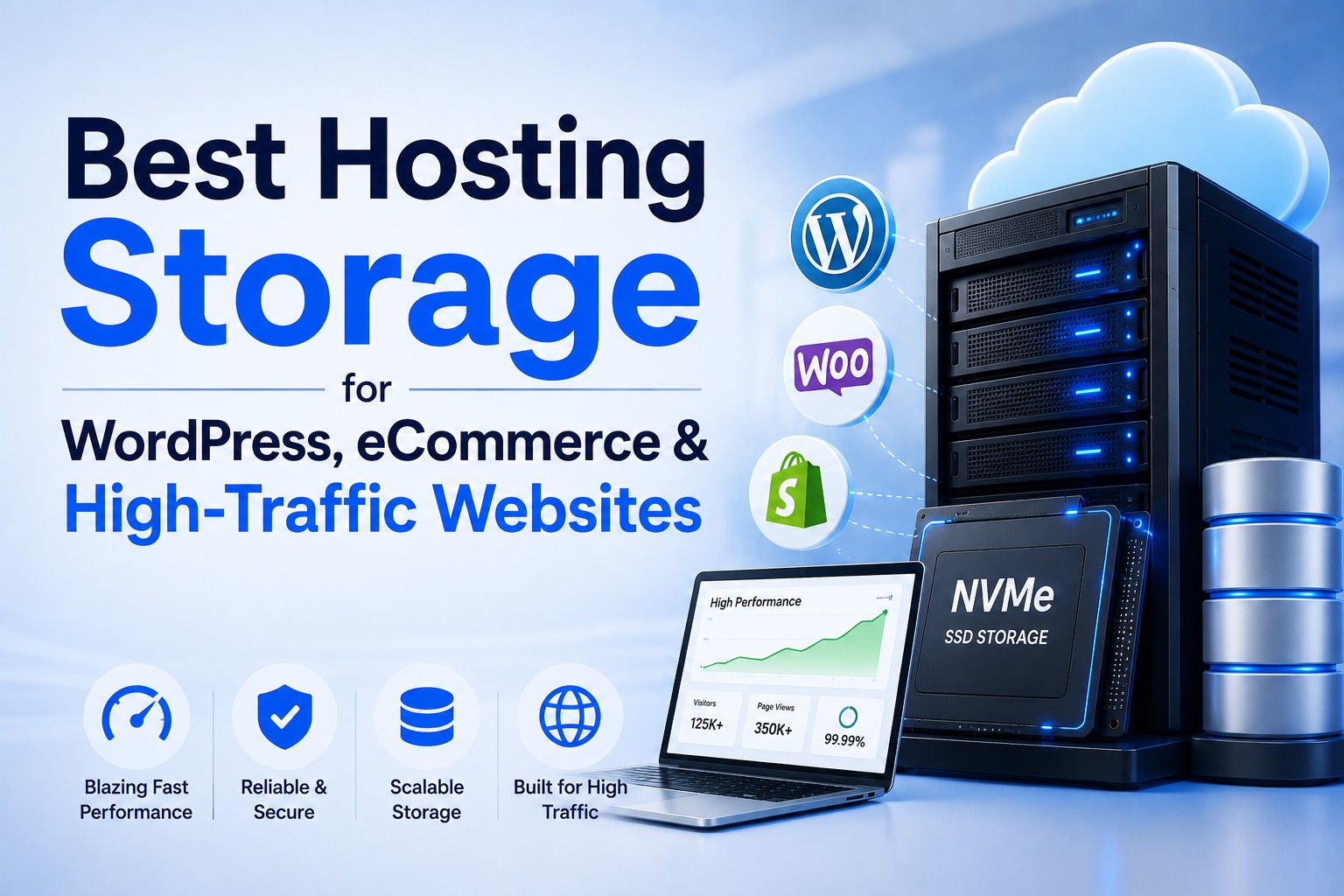
Best Hosting Storage for WordPress, eCommerce & High-Traffic Websites
- By Anis Ur Rahman
- 02 Feb, 2026
Last Updated: 5 August 2026 | Read Time: 5 Minutes
If your website feels slow, the problem is often not your theme or plugins. It is your hosting storage.
Many site owners still choose hosting based on price alone. That mistake costs speed, rankings, and revenue. In 2026, Google and AI search systems are expected to provide fast, reliable storage by default.
This guide explains which hosting storage works best for:
WordPress websites
eCommerce stores
High-traffic platforms
Archive and backup data
We will clear up the confusion between SSD and HDD, explain real-world use cases, and help you choose the right option with confidence.
What Is Hosting Storage & Why It Matters in 2026
Hosting storage is where your website’s files and databases live. Every page load depends on how fast that storage responds.
When someone visits your site, your server must:
Read files
Fetch database data
Deliver content to the browser
If storage is slow, everything slows down.
Why Best Hosting Storage matters more than ever
In 2026, Google measures real user experience, not just code quality. According to documentation from Google, speed affects:
Core Web Vitals
Crawl efficiency
Engagement signals
Slow storage hurts all three.
Quick answer:
Hosting storage determines how fast your website reads and writes data. Faster storage improves speed, SEO rankings, and user experience.
Think of storage like a road. A narrow road creates traffic, and a wide road keeps things moving.
SSD vs HDD Hosting: Quick Comparison

Most hosting confusion starts here.
Simple comparison table
For modern websites, SSD is the default choice in 2026.
Read More: SSD vs HDD Speed Comparison for Web Hosting
Is SSD Hosting Good for WordPress?
Yes. And in most cases, it is essential. WordPress is database-driven. Every page load triggers multiple read and write actions.
Why SSD works best for WordPress
Faster database queries
Smoother admin dashboard
Better plugin performance
Improved page load times
Page builders, SEO plugins, and security tools all depend on fast storage.
Short answer :
SSD hosting is ideal for WordPress because it delivers faster page loads, smoother admin performance, and better SEO results.
Best WordPress use cases for SSD
Blogs
Business websites
Landing pages
News portals
If your WordPress site matters to your business, SSD hosting is no longer optional.
Get More: Top WordPress Hosting Options for Bangladeshi Users in 2026
Best SSD Hosting for eCommerce Websites
eCommerce sites push hosting harder than almost any other website type.
Every visit involves:
Product queries
Cart updates
Checkout actions
Payment verification
Slow storage causes failed checkouts and lost trust.
Why eCommerce needs SSD storage
Faster product page loading
Real-time inventory updates
Reliable checkout experience
Platforms like WooCommerce rely heavily on database speed. HDD simply cannot keep up under load.
Get More: Best Web Hosting for Small E-Commerce Businesses in Bangladesh
SSD + NVMe advantage
Modern SSD hosting often uses NVMe technology, which is much faster than older SATA SSDs.
Benefits include:
Lower checkout latency
Faster order processing
Higher customer confidence
Even small delays during checkout can reduce conversions.
Check Best Guide: NVMe SSD vs SATA SSD Hosting in 2026
Recommended SSD size by store type
Small store: 20–30 GB
Medium store: 40–60 GB
Large store: 80 GB or more
Always plan for growth.
SSD Hosting for High-Traffic Websites
Traffic changes everything.
High-traffic websites deal with:
Many users at once
Constant file access
Heavy database activity
Why SSD is critical at scale
SSD handles multiple read/write requests efficiently. HDD struggles when many users arrive at the same time.
This causes:
Slow pages
Timeouts
Server crashes
The right balance matters
Storage alone is not enough. High-traffic sites need
SSD or NVMe storage
Adequate CPU
Sufficient RAM
When these work together, performance stays stable even during traffic spikes.
What Hosting Is Best for High Traffic?
Short answer: SSD-based hosting. High-traffic websites perform best on SSD hosting because it processes data faster, scales better, and maintains stability under heavy load.
Best hosting types for traffic-heavy sites
SSD VPS hosting
Cloud hosting with SSD
Dedicated servers with SSD
These setups give you both speed and control.
When Should You Use HDD Hosting?
HDD hosting still has a place. Just not for live websites.
Good HDD use cases
Backup storage
Log files
Old media archives
Rarely accessed data
HDD is cost-effective when speed does not matter.
Important warning
HDD is NOT recommended for live websites.
Using HDD for active sites leads to:
Poor SEO performance
High bounce rates
User frustration
Honest recommendations build trust. This is one of them.
SSD Storage Types Explained
Not all SSDs are the same.
Common SSD types
SATA SSD
Faster than HDD
Entry-level option
NVMe SSD
Extremely fast
Best for performance-focused sites
Enterprise SSD
Built for heavy workloads
Used by large platforms
Simple analogy
HDD is like a bicycle.
SATA SSD is a car.
NVMe is a high-speed train.
Choose based on how fast you need to move.
How Much SSD Storage Do You Really Need?
More storage does not automatically mean better performance. The ideal storage size depends on your website’s usage and workload.
General guidelines
WordPress blog: 15–25 GB
Business site: 20–40 GB
e-commerce store: 40–100 GB
High-traffic portal: 80 GB+
Focus on speed first, then size.
SEO, AEO & Google Ranking Signals in 2026
Storage directly affects ranking signals.
Why faster storage helps SEO
Faster crawling
Lower bounce rates
Higher engagement
Google’s AI systems prefer sites that deliver smooth user experiences. Storage speed is no longer a backend detail. It is an SEO factor.
Learn a full guide: Does SSD Hosting Improve SEO in 2025
FAQ: Best Hosting Storage Questions
Is SSD hosting good for WordPress?
Yes. SSD hosting improves WordPress speed, admin performance, and SEO, making it ideal for most WordPress sites.
Which hosting is best for online stores?
SSD hosting is best for online stores because it ensures fast product loading, smooth checkout, and reliable transactions.
What hosting is best for high traffic?
High-traffic websites perform best on SSD-based VPS, cloud, or dedicated hosting due to better scalability and stability.
When should I use HDD hosting?
Use HDD hosting only for backups, archives, or rarely accessed data—not for live websites.
Final Recommendation: What Should You Choose?
If your website is active, growing, or revenue-driven, choose SSD hosting. Use HDD only for storage that does not need speed.
Quick decision guide
WordPress site → SSD
eCommerce store → SSD or NVMe
High-traffic platform → SSD VPS or Cloud
Archive data → HDD
Choose the best hosting storage for speed, SEO, and long-term growth.
Learn More Relevant Complete Guide: SSD Hosting Cost vs HDD Hosting in 2026

Author By
Anis Ur Rahman
Anis Ur Rahman writes domain and web hosting–related articles on behalf of Ummah Host BD. He works with domain name selection, web hosting, BDIX hosting, and website performance, and creates informational guides based on practical experience to help users make informed decisions. His writing focuses on providing reliable, easy-to-understand, and decision-supportive content.
Search Blog
Categories
- Problem Solving 2
- RDP Hosting 4
- SMS Service 17
- IP Number 11
- Reseller Hosting 5
- Promo Offer 2
- Achieve 3
- SSD Hosting 5
- cPanel Hosting 7
- BDIX Hosting 7
- Email Hosting 4
- Dedicated Server 7
- User Guide 0
- Security 4
- Online security 6
- Business 5
- SEO 3
- VPS Hosting service 26
- Manage Hosting 1
- domain hosting service 28
- Domain 1
- Hosting 39
Latest News

17 Sep, 2026