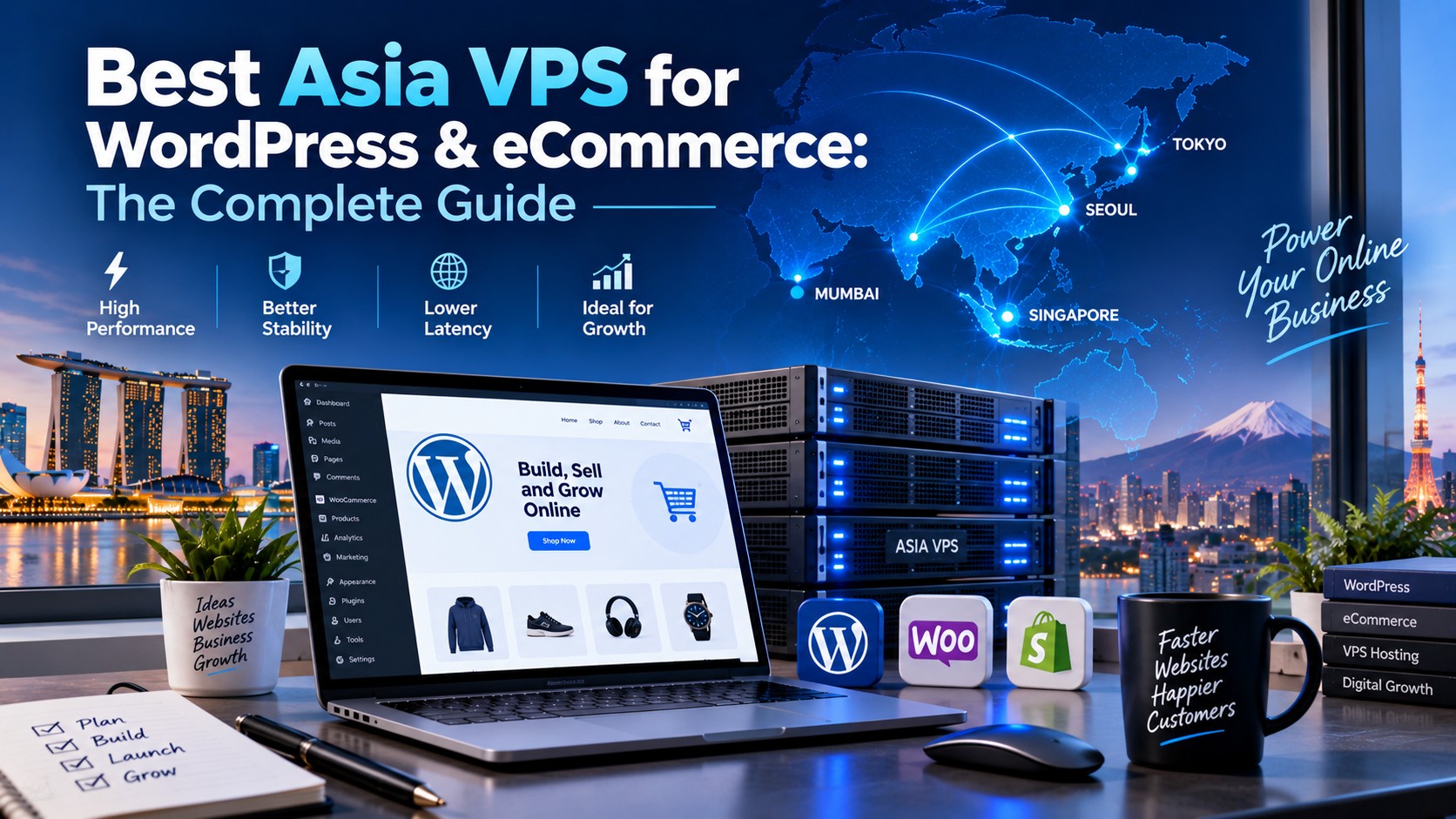
Best Asia VPS for WordPress & eCommerce: The Complete Guide
- By Anis Ur Rahman
- 18 Sep, 2026
Bottom line: If you're running a WordPress site or an online store, choosing an Asia-based VPS with NVMe storage and a data center near your customers (Singapore, Tokyo, or Mumbai) can help reduce network latency and improve site responsiveness when the server is close to your target customers. Conversion rate depends on many factors beyond hosting — speed is one input among UX, pricing, trust signals, and checkout flow — but a slow, distant server puts you at a disadvantage before any of that even comes into play.
Choosing the right VPS isn't just a technical decision — it affects how fast your site loads, how well it ranks on Google, and, if you're selling anything, how many visitors actually complete checkout. Below, we cover server location, storage type, managed vs. unmanaged hosting, and how to scale as your traffic grows.
Which Asia VPS Location Is Best for WordPress?
Short answer: Singapore is usually the best all-round pick for Southeast Asia, Tokyo wins for Japan/Korea traffic, and Mumbai is ideal if most of your visitors are in India.
Server location matters because of latency — the time it takes data to travel between your server and your visitor's browser. The further away your server is, the longer your pages take to load.
If your audience is mostly in Vietnam, Thailand, and the Philippines, a Singapore data center sits right in the middle, keeping latency low across all three. Singapore also has some of the best international bandwidth connectivity in Asia, which helps if you get visitors from Australia or the US too.
A few quick pointers:
Singapore – best general-purpose hub for Southeast Asia and global connectivity
Tokyo – lowest latency for Japan and South Korea
Mumbai – best for India-heavy traffic
Hong Kong – strong option if you serve mainland China (check firewall considerations first)
Explore More Details: Best Asian Based VPS Hosting in 2026
Is Singapore VPS Good for a WooCommerce Store?
Short answer: Yes — Singapore VPS is one of the most reliable choices for WooCommerce, especially if you sell across multiple Southeast Asian countries.
WooCommerce is resource-hungry. Every product page, cart update, and checkout step involves database queries. A slow VPS means a slow store, and slow stores lose sales.
This isn't just a theoretical concern. Server distance directly affects Time to First Byte and overall page load speed, and Google's own research on page speed has linked slower load times to sharply higher bounce rates as pages cross the 1-to-3-second mark. For a Southeast Asia-focused store, moving from a US or Europe-based server to a Singapore VPS typically cuts round-trip latency by more than half — and that difference shows up directly in load time, and downstream, in how many shoppers actually finish checkout.
For WooCommerce specifically, look for:
At least 4GB RAM (8GB+ if you have 500+ products)
SSD or NVMe storage (never spinning hard drives)
A control panel that makes SSL and caching easy to manage
Explore More: Best Singapore VPS Hosting for Bangladesh
Does NVMe Storage Speed Up WordPress?
Short answer: NVMe storage can meaningfully improve storage I/O performance over standard SSDs, though the exact speed gain depends on the benchmark and workload. For database-heavy sites like WordPress, this can help server-side operations respond faster.
Think of your website's storage like a filing cabinet. A traditional hard drive is like walking to a cabinet in another room to grab a folder. A regular SSD is like having that cabinet in the same room. NVMe is like already having the folder in your hand.
WordPress relies heavily on database calls — every time someone visits a page, it pulls content, plugin data, and settings from the database. Faster storage I/O can help those calls complete more quickly, which may contribute to:
Faster Time to First Byte (TTFB) on database-heavy pages
Smoother WordPress admin dashboard performance, especially with lots of plugins active
That said, storage speed is just one piece of the puzzle. Actual page speed and Core Web Vitals scores also depend on caching setup, PHP performance, theme and plugin quality, CDN configuration, and network latency. NVMe removes one potential bottleneck — it's not a guarantee of better rankings on its own.
Most Asia VPS providers — including large regional players like Alibaba Cloud, often paired with a CDN such as Cloudflare for static content — now offer NVMe as standard on mid-tier plans. It's worth confirming before you buy rather than assuming your plan includes it.
If your site feels sluggish in the WordPress admin area specifically, slow storage is often the hidden culprit — though not the only possible one.
Learn More: Best Hosting Storage for WordPress, eCommerce & High-Traffic Websites
Should I Choose Managed Hosting for WordPress?
Short answer: If you don't have technical staff on hand, managed WordPress VPS hosting is almost always worth it. If you're comfortable with server administration, unmanaged VPS gives you more control at a lower price.
Here's the honest comparison:
Managed hosting typically includes automatic WordPress updates, malware scanning, daily backups, and a support team you can call when something breaks. For an eCommerce store, where downtime directly costs money, that peace of mind is often worth the premium price.
Explore More: Managed vs Unmanaged VPS Hosting in Bangladesh
How Do I Scale VPS as My Store Grows?
Short answer: Start with a VPS plan that allows vertical scaling (adding more RAM/CPU on demand), and check your traffic and resource usage monthly so you can upgrade before performance suffers.
Follow these steps as your store grows:
Check resource usage weekly. Watch CPU, RAM, and disk I/O in your hosting dashboard. Rising numbers are your early warning sign.
Upgrade RAM and CPU first. Most Asia VPS providers let you scale these instantly without downtime — usually the cheapest first move.
Add a CDN. A content delivery network caches your images and static files closer to visitors, taking load off your server.
Move to a dedicated database server once you're consistently over 10,000 monthly visitors or handling a few hundred daily orders.
Consider load balancing across multiple VPS instances if you expect traffic spikes, such as sale events or a viral post.
Set a monthly reminder to check these numbers. Reacting after a crash costs you sales; upgrading a week ahead of a big sale costs you nothing.
Frequently Asked Questions
Do I need a VPS in Asia if my business is based elsewhere?
Yes, if most of your customers are in Asia. Server location should match your audience's location, not your company's headquarters.
What's the minimum VPS specs for a small WordPress blog?
2GB RAM and 1–2 CPU cores is usually enough for a basic blog with moderate traffic (under 10,000 monthly visits).
Can I switch from shared hosting to VPS without losing my site?
Yes. Most hosts offer free migration tools or support, and your WordPress files and database can be transferred without downtime if planned correctly.
Is cPanel necessary for managing a VPS?
It's not required, but it makes server management much easier for non-technical users. Alternatives like Plesk or CloudPanel work well too.
Learn Guide for 2026: WordPress Performance & Speed Testing

Author By
Anis Ur Rahman
Anis Ur Rahman writes domain and web hosting–related articles on behalf of Ummah Host BD. He works with domain name selection, web hosting, BDIX hosting, and website performance, and creates informational guides based on practical experience to help users make informed decisions. His writing focuses on providing reliable, easy-to-understand, and decision-supportive content.
Search Blog
Categories
- Problem Solving 2
- RDP Hosting 4
- SMS Service 17
- IP Number 11
- Reseller Hosting 5
- Promo Offer 2
- Achieve 3
- SSD Hosting 5
- cPanel Hosting 7
- BDIX Hosting 7
- Email Hosting 4
- Dedicated Server 7
- User Guide 0
- Security 4
- Online security 6
- Business 5
- SEO 3
- VPS Hosting service 27
- Manage Hosting 1
- domain hosting service 28
- Domain 1
- Hosting 39
Latest News

17 Sep, 2026