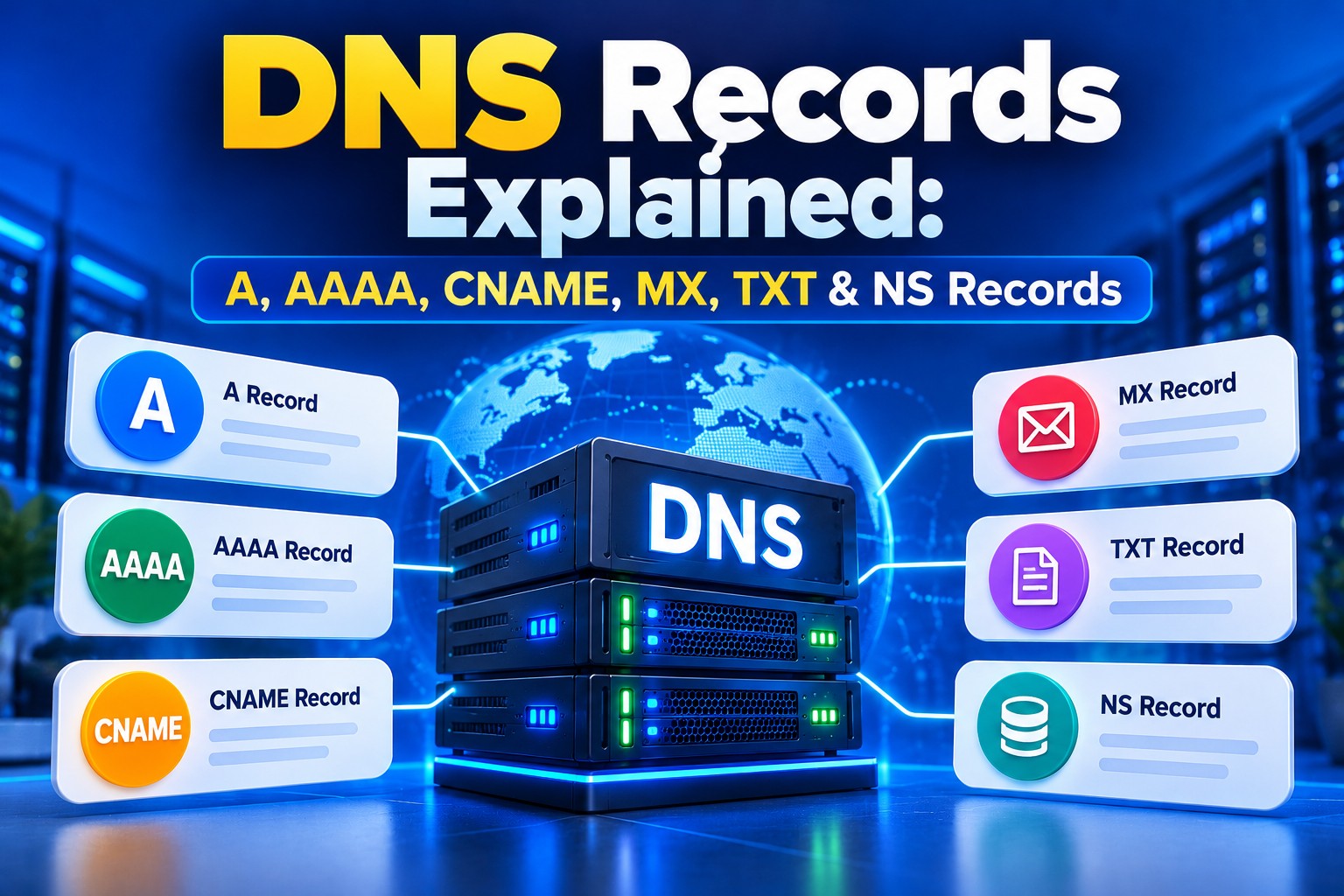
DNS Records Explained: A, AAAA, CNAME, MX, TXT & NS
- By Anis Ur Rahman
- 24 Oct, 2026
You bought a domain and paid for hosting, but your site still shows an error. Or your new business email isn't arriving. In many cases, the cause is a missing or wrong DNS record. DNS records are small instructions stored on a name server. They tell the internet where your website lives, where your email goes, and which servers control your domain. One wrong value can send visitors or emails to the wrong place.
This guide covers the six DNS record types you'll use most: A, AAAA, CNAME, MX, TXT and NS. Each section has a short answer, a real-world example and the mistakes we see most often.
Quick answer
DNS records are entries in your domain's DNS zone that connect your domain name to services like websites and email. An A record points to an IPv4 address. An AAAA record points to an IPv6 address. A CNAME makes one name an alias of another. An MX record routes email. A TXT record holds text for verification and email security. An NS record says which name servers control your domain.
Key takeaways
Your website needs an A record, plus an AAAA record only if your server has IPv6.
Use a CNAME for subdomains like www or shop that should follow another name.
Email depends on MX records, plus TXT records for SPF, DKIM and DMARC.
NS records decide where all your other records are managed.
Changes spread as cached answers expire, based on each record's TTL.
What are DNS records?
Short answer: DNS records are instructions inside your domain's DNS zone. Each one links your domain to a specific service, such as a web server or mail server.
The Domain Name System (DNS) works like the internet's phone book. People remember names like example.com.bd. Computers need numbers like 192.0.2.10. DNS records do the translating.
Every record has the same basic parts:
Name (host): the domain or subdomain, such as @ for the main domain or www.
Type: A, AAAA, CNAME, MX, TXT, NS and so on.
Value (target): the IP address, hostname or text the record points to.
TTL (time to live): how many seconds other servers may cache the answer.
The core rules for DNS were published by the IETF in 1987 as RFC 1034 and RFC 1035. Newer types, like AAAA, were added later in separate standards.
What is an A record?
Short answer: An A record points your domain name to an IPv4 address, which is the server where your website is hosted.
This is the most important record for a website. When someone types your domain, their browser asks DNS for the A record, then connects to that IP.
Think of it as a home address. The domain is the person's name, and the A record is the house they live in. If you move to a new hosting server, you update the A record with the new IP.
The IPs in this article are reserved documentation examples. Use the IP from your own hosting welcome email or cPanel.
What is an AAAA record?
Short answer: An AAAA record does the same job as an A record, but for an IPv6 address.
IPv4 addresses are in short supply, so networks are gradually adding IPv6. An IPv6 address is longer, like 2001:db8::10. It's called "quad-A" because an IPv6 address is 128 bits, four times the 32 bits of IPv4.
Do you need one? Only if your server actually has an IPv6 address. A wrong AAAA record can be worse than none, because visitors on IPv6 networks may try it first and fail. Ask your host whether your plan includes IPv6 before adding it.
What is a CNAME record?
Short answer: A CNAME record makes one name an alias of another name, instead of pointing to an IP address.
For example, you can point www.example.com.bd to example.com.bd. Now www always follows whatever IP the main domain uses. Change the A record once, and both update.
Two rules trip people up:
Don't put a CNAME on the root domain (@). The DNS standards don't allow a CNAME to sit beside other records, and the root always has NS and SOA records. Some providers, like Cloudflare, offer a workaround called CNAME flattening.
A CNAME can't share its name with any other record. If mail has a CNAME, it can't also have an MX or TXT record.
What is an MX record?
Short answer: An MX (mail exchange) record tells other mail servers where to deliver email for your domain.
Without a correct MX record, your website may load fine while emails to info@yourdomain.com bounce. Each MX record has a priority number. Lower numbers are tried first.
Moving to Google Workspace, Microsoft 365 or another mail provider? Before you change anything, confirm the exact MX values in that provider's own setup guide or admin console. Values differ between providers and can change over time, so don't copy them from an old tutorial. Add the new records exactly as given, then remove the old hosting MX record, or some mail may still land on the old server. If your email runs on our business email hosting, the correct MX values are set for you.
What is a TXT record?
Short answer: A TXT record stores plain text. Today it's mostly used to prove you own a domain and to protect your email from spoofing.
You'll add TXT records for three common jobs:
Domain verification: Google Search Console, Microsoft 365 and Meta Business Suite ask you to add a code to prove ownership.
SPF: lists the servers allowed to send mail for your domain, such as v=spf1 include:_spf.google.com ~all.
DKIM and DMARC: DKIM adds a digital signature to your mail. DMARC tells receiving servers what to do when checks fail.
Keep only one SPF record per domain. If you add a second one for a new mail service, the SPF standard (RFC 7208) treats the pair as an error, and receiving servers may reject or flag your mail. Merge both into one line instead. For example, a domain sending through both Google Workspace and Microsoft 365 might use v=spf1 include:_spf.google.com include:spf.protection.outlook.com ~all. Confirm each provider's current include value in its own documentation before saving.
What is an NS record?
Short answer: NS (name server) records say which DNS servers are in charge of your domain's records.
NS records sit one level above everything else. When you register a domain, you set its name servers at your registrar. Those servers then hold your A, MX, TXT and other records.
Here's where most confusion starts. If your name servers point to Cloudflare, editing records in cPanel changes nothing. The internet only reads the zone your NS records point to. So when a change isn't working, check your NS records first.
For .bd and .com.bd domains, name server changes go through the national registry, BTCL, usually via your reseller. The process can change, so confirm the current steps with your provider.
Explore A Complete Troubleshooting Guide: DNS and Nameserver Problems
Which DNS record should I use?
Short answer: Use A or AAAA for websites, CNAME for aliases, MX for email delivery, TXT for verification and email security, and NS to choose who manages your DNS.
A simple rule: websites need A, email needs MX + TXT, and NS decides where you edit them.
What other DNS record types exist?
Short answer: Beyond the main six, you may meet SOA, SRV, CAA and PTR records. Most small sites rarely edit them.
SOA (start of authority): holds admin details for the zone. Your host creates it automatically.
SRV: points services like VoIP or Microsoft Teams to a host and port.
CAA: lists which certificate authorities may issue SSL certificates for your domain.
PTR: maps an IP back to a name (reverse DNS). It's set by whoever owns the IP, often your host, and matters for mail servers.
For a full list with field-by-field details, see Cloudflare's DNS record types reference.
How do I add a DNS record in cPanel?
Short answer: Open cPanel, go to Zone Editor, choose your domain, click Manage, then add the record and save.
Log in to your cPanel account.
Under Domains, open Zone Editor.
Find your domain and click Manage.
Click Add Record and pick the type (A, CNAME, MX, TXT and so on).
Enter the name, value and TTL. Leave TTL at the default if you're unsure.
Click Save Record.
Check the result with our free DNS Checker, or with dig or nslookup.
Menu names can differ slightly between cPanel versions and themes. New to cPanel? Our beginner's cPanel hosting guide walks through the dashboard.
How long does it take? It depends on the TTL. A record with a TTL of 3600 can stay cached for up to an hour. Name server changes usually take longer, and many registrars quote up to 24–48 hours. Treat that as a rough guide, not a promise.
Check Step-by-Step Guide: How to Find Nameservers in cPanel
What happens when DNS records go wrong? A real case study
Short answer: If your name servers can't be reached, even a working website disappears, because nobody can look up its address.
On 4 October 2021, Facebook, Instagram and WhatsApp went offline worldwide. Third-party network monitors put the outage at roughly six hours. A day later, Meta's VP of Infrastructure, Santosh Janardhan, explained the cause in a public engineering post.
During routine maintenance, a command accidentally cut Meta's backbone network. Meta's DNS servers are built to stop advertising themselves when they lose contact with the data centers. So they withdrew their routes from BGP, the system that tells networks how to reach each other. The DNS servers kept running, but no one outside could reach them.
In Janardhan's words, "DNS is the address book of the internet." Without it, browsers couldn't find Facebook's servers, even though many were still online.
What this means for your site: a DNS outage can make a website unreachable even when its web server is still running. Meta's case was unusual, because one network failure took every name server offline at the same time. Redundant authoritative name servers on separate networks are designed to keep answering when one server or route fails. So choose a DNS host with that redundancy, keep a written copy of your correct records, and avoid changing name servers in a rush.
From the Ummah Host BD support desk (team to complete): Add one real, anonymised example from your tickets. A good candidate is a client whose email stopped after a hosting move because the MX or SPF record still pointed to the old server. Include only details you can confirm from your own records.
Why trust this guide?
- Who wrote it: The Ummah Host BD technical team, who set up domains, BDIX hosting and business email for clients in Bangladesh. (Add the author's name, role and years of experience.)
- How we wrote it: We based the definitions on the IETF's public DNS standards and checked each example against a standard cPanel Zone Editor.
- Why we wrote it: Most DNS errors are small and easy to fix once you know which record to check. This guide aims to help you find it fast.
Need a hand? Talk to our support team and we'll check your DNS with you. Starting fresh? Register a domain and pair it with our cPanel web hosting.
Frequently Asked Questions
What is the difference between an A record and a CNAME?
An A record points a name straight to an IP address. A CNAME points a name to another name, which then resolves to an IP. Use A for your root domain and CNAME for aliases like www.
Can I use a CNAME for my root domain?
Not with standard DNS. The root domain must hold NS and SOA records, and a CNAME can't share a name with other records. Some DNS providers offer "CNAME flattening" or "ALIAS" records to get the same effect.
Why is my email not working after I moved hosting?
Usually your MX record still points to the old server, or your SPF record doesn't include the new mail server. Check both in Zone Editor, then wait for the TTL to pass.
Can I have more than one MX record?
Yes. Many providers give you two or more MX records with different priorities. If the first server is down, mail goes to the next one.
How long do DNS changes take to work?
Most record changes work within the TTL, often minutes to an hour. Name server changes can take longer, and providers commonly quote up to 48 hours. You can't clear other people's caches, so plan changes ahead.
Where should I manage my DNS records?
Wherever your NS records point. If they point to your host, use cPanel's Zone Editor. If they point to Cloudflare, edit records there instead.
Is it safe to delete a DNS record I don't recognise?
Not always. TXT records often verify services like Google or Microsoft, and deleting one can break email or logins. Take a screenshot of the zone, or ask your host, before removing anything.

Author By
Anis Ur Rahman
Anis Ur Rahman writes domain and web hosting–related articles on behalf of Ummah Host BD. He works with domain name selection, web hosting, BDIX hosting, and website performance, and creates informational guides based on practical experience to help users make informed decisions. His writing focuses on providing reliable, easy-to-understand, and decision-supportive content.
Search Blog
Categories
- AI Tools & Automation 3
- Problem Solving 6
- RDP Hosting 4
- SMS Service 17
- IP Number 11
- Reseller Hosting 5
- Promo Offer 2
- Achieve 3
- SSD Hosting 5
- cPanel Hosting 7
- BDIX Hosting 7
- Email Hosting 4
- Dedicated Server 8
- User Guide 0
- Security 6
- Online security 6
- Business 5
- SEO 3
- VPS Hosting service 36
- Manage Hosting 1
- domain hosting service 29
- Domain 2
- Hosting 46
Latest News

28 Oct, 2026



26 Oct, 2026


