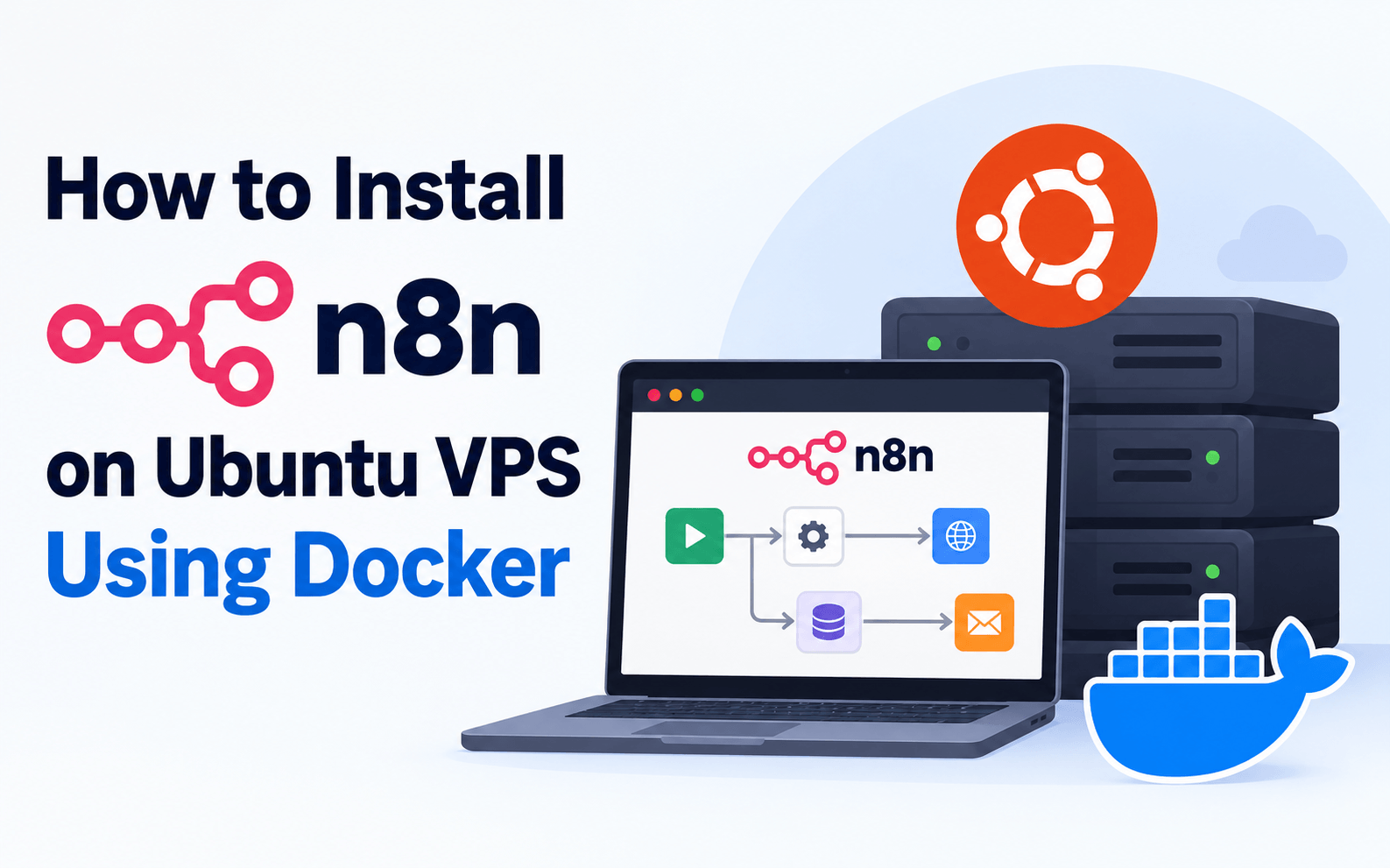
How to Install n8n on Ubuntu VPS: Complete Guide (2026)
- By Mobarok Hussain
- 16 Oct, 2026
AI automation is transforming how businesses manage repetitive tasks, customer communication, data processing, and digital workflows. One of the most flexible platforms in this space is n8n, a workflow automation tool that allows users to connect applications, APIs, databases, and AI services.
In this comprehensive guide, you will learn how to install n8n on an Ubuntu VPS using Docker, configure a custom domain, enable HTTPS, and prepare your server for self-hosted AI automation.
Operating System: Ubuntu 24.04 LTS
Deployment: Docker Compose
Reverse Proxy: Caddy
SSL: Automatic HTTPS
Difficulty: Intermediate
Recommended VPS: 2 vCPU, 2–4 GB RAM
What Is n8n?
n8n is a workflow automation platform designed to connect different applications and automate complex business processes. It provides a visual workflow builder, allowing developers and businesses to create automation without building every integration from scratch.
Common n8n use cases include:
- AI-powered customer support automation.
- Automated email and notification systems.
- CRM and business application integrations.
- Website form processing.
- API and database automation.
- Automated business reporting.
- AI agents and intelligent workflows.
Why Should You Self-Host n8n on a VPS?
Hosting n8n on your own Virtual Private Server provides greater control over your deployment, infrastructure, and application configuration.
| Feature | Self-Hosted n8n |
|---|---|
| Infrastructure Control | Full server control |
| Custom Domain | Supported |
| HTTPS Encryption | Supported |
| Docker Deployment | Supported |
| Custom Integrations | Supported |
| Server Upgrades | Based on VPS plan |
| Maintenance | Your responsibility |
Recommended VPS Requirements for n8n
Resource requirements depend on workflow complexity, execution frequency, and the number of connected services. The following specifications are suggested starting points.
| Resource | Basic Setup | Growing Workloads |
|---|---|---|
| CPU | 2 vCPU | 4+ vCPU |
| RAM | 2 GB | 4–8 GB |
| Storage | 20 GB SSD | 40+ GB NVMe |
| OS | Ubuntu 24.04 | Ubuntu 24.04 |
| Container | Docker | Docker |
Need a VPS for AI Automation?
Deploy n8n, Docker applications, and self-hosted automation workflows using Ummah Host BD VPS infrastructure.
Explore VPS HostingStep 1: Connect to Your Ubuntu VPS
Connect to your server through SSH using your VPS IP address.
ssh root@YOUR_SERVER_IPReplace YOUR_SERVER_IP with the actual public IP address of your Ubuntu server.
Step 2: Update Ubuntu Packages
sudo apt update
sudo apt upgrade -y
Updating system packages before deployment helps ensure your server has recent security patches and software updates. Reboot if required.
Step 3: Install Docker and Docker Compose
Docker simplifies the installation and management of n8n. Install Docker Engine and the Docker Compose plugin using the official Docker Ubuntu installation instructions.
Official documentation: Install Docker Engine on Ubuntu .
Verify the installation:
docker --version
docker compose version
Step 4: Create the n8n Installation Directory
sudo mkdir -p /opt/n8n
cd /opt/n8n
This directory will contain the Docker Compose configuration, environment variables, and reverse proxy configuration.
Step 5: Configure Your Domain
Create a DNS A record pointing your preferred subdomain to your VPS public IP address.
| Type | Host | Value |
|---|---|---|
| A | automation | YOUR_SERVER_IP |
Example application URL:
https://automation.example.comStep 6: Create Persistent n8n Storage
Create a Docker volume to preserve your application data when containers are recreated.
docker volume create n8n_dataStep 7: Configure Docker Compose
Create a file named compose.yaml inside the /opt/n8n directory.
services:
  caddy:
    image: caddy:2
    restart: unless-stopped
    ports:
      - "80:80"
      - "443:443"
    volumes:
      - ./Caddyfile:/etc/caddy/Caddyfile:ro
      - caddy_data:/data
      - caddy_config:/config

  n8n:
    image: docker.n8n.io/n8nio/n8n:stable
    restart: unless-stopped
    environment:
      - N8N_HOST=${N8N_HOST}
      - N8N_PROTOCOL=https
      - WEBHOOK_URL=https://${N8N_HOST}/
      - N8N_EDITOR_BASE_URL=https://${N8N_HOST}/
      - N8N_PROXY_HOPS=1
      - GENERIC_TIMEZONE=Asia/Dhaka
      - TZ=Asia/Dhaka
      - N8N_ENCRYPTION_KEY=${N8N_ENCRYPTION_KEY}
    volumes:
      - n8n_data:/home/node/.n8n
    expose:
      - "5678"

volumes:
  n8n_data:
    external: true
  caddy_data:
caddy_config:Step 8: Configure Environment Variables
Generate a secure encryption key:
openssl rand -hex 32Create a file named .env:
N8N_HOST=automation.example.com
N8N_ENCRYPTION_KEY=REPLACE_WITH_YOUR_GENERATED_KEY
Protect the environment file:
chmod 600 .envStep 9: Enable HTTPS Using Caddy
Create a file named Caddyfile inside /opt/n8n.
automation.example.com {
    reverse_proxy n8n:5678
}
Replace automation.example.com with your actual domain. Ensure DNS is configured correctly and ports 80 and 443 are accessible through your firewall.
Caddy can automatically obtain and renew HTTPS certificates for eligible public domains.
Step 10: Start Your n8n Server
cd /opt/n8n
docker compose up -d
Check the container status:
docker compose psView the application logs:
docker compose logs --tail=100 n8nOpen your configured HTTPS domain in a browser. You should now see the n8n setup interface, where you can create your owner account.
How to Secure Your Self-Hosted n8n Installation
A production automation server should follow basic security and maintenance practices.
- Enable HTTPS for your application.
- Use a strong owner account password.
- Keep Ubuntu and Docker updated.
- Restrict SSH access.
- Never expose sensitive environment variables.
- Configure regular backups.
- Monitor server CPU, RAM, and disk usage.
- Review community nodes before installing them.
- Keep n8n updated after reviewing release notes.
- Use appropriate access controls for sensitive workflows.
Best AI Automation Use Cases for n8n
1. AI Customer Support Automation
Connect AI services with customer support platforms to assist with processing incoming support requests.
2. Automated Email Notifications
Build workflows that send notifications when specific business events occur.
3. Website Form Automation
Automatically transfer website contact form submissions to your CRM, database, or notification platform.
4. Business Reporting
Connect APIs and databases to generate automated operational reports.
5. Hosting Business Automation
Hosting providers can connect supported billing APIs, monitoring systems, and notification services to automate selected administrative operations.
Self-Hosted n8n vs n8n Cloud
| Feature | Self-Hosted | n8n Cloud |
|---|---|---|
| Server Management | Your responsibility | Provider-managed |
| Installation | Required | Not required |
| Infrastructure Control | Greater | Limited |
| Maintenance | Self-managed | Managed |
| VPS Required | Yes | No |
| Technical Knowledge | Recommended | Lower requirement |
Frequently Asked Questions
Can I install n8n on a VPS?
Yes. n8n supports self-hosted deployment, including installation through Docker on a Linux VPS.
Is 2 GB RAM enough for n8n?
A 2 GB VPS can be a reasonable starting point for small workloads. Complex workflows may require additional memory.
Can I install n8n on Ubuntu 24.04?
Yes. Ubuntu 24.04 LTS can host n8n through a supported Docker deployment.
Do I need a domain for n8n?
A domain is strongly recommended for production installations using HTTPS and public webhooks.
Is n8n free to self-host?
n8n offers a self-hosted Community Edition under its applicable licensing terms. Some features and commercial use cases require additional licensing.
Can n8n be used for AI automation?
Yes. n8n supports AI-related integrations, APIs, and workflows for building intelligent business automation systems.
Final Thoughts
Installing n8n on an Ubuntu VPS gives developers, businesses, and automation enthusiasts a flexible environment for running self-hosted workflows.
With Docker, HTTPS, persistent storage, and proper security configuration, you can build a reliable foundation for AI-powered automation.
Start Your AI Automation Journey
Looking for VPS infrastructure to deploy n8n, Docker applications, or custom automation projects? Explore Ummah Host BD hosting solutions.
Get Started with Ummah Host BDOfficial Technical References

Author By
Mobarok Hussain
Mobarok Hussain is a Bangladeshi entrepreneur and technology professional best known publicly as the Chairman & Founder of Ummah Host BD, a Bangladesh-based web-hosting and infrastructure company. Ummah Host BD's own website lists him in that role and dates the company's leadership history to 2024.
Search Blog
Categories
- AI Tools & Automation 3
- Problem Solving 3
- RDP Hosting 4
- SMS Service 17
- IP Number 11
- Reseller Hosting 5
- Promo Offer 2
- Achieve 3
- SSD Hosting 5
- cPanel Hosting 7
- BDIX Hosting 7
- Email Hosting 4
- Dedicated Server 7
- User Guide 0
- Security 5
- Online security 6
- Business 5
- SEO 3
- VPS Hosting service 33
- Manage Hosting 1
- domain hosting service 29
- Domain 1
- Hosting 44
Latest News

15 Oct, 2026


