Critical PHP Security Alert: CVE-2026-109618 and CVE-2026-109619 — Update Your PHP Version Now
- By Robin Hossain
- 22 Oct, 2026
Important PHP Security Update
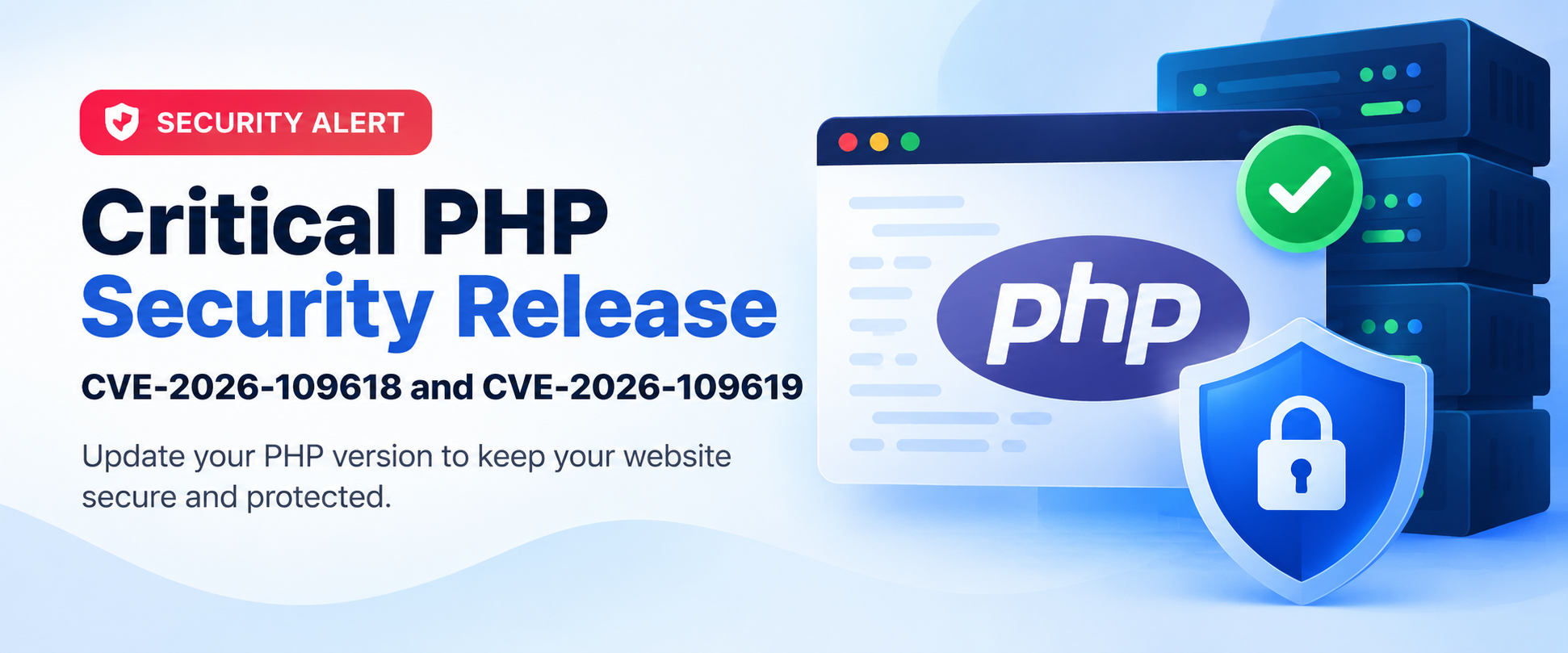
A critical security alert has been issued for two PHP vulnerabilities identified as CVE-2026-109618 and CVE-2026-109619, collectively known as PHP2Shell. These vulnerabilities may allow attackers to execute malicious code on affected servers without authentication, potentially putting websites, applications, and sensitive data at risk.
PHP has released security updates to address these vulnerabilities. At UmmahHostBD, we have completed the applicable security updates for our server infrastructure.
We strongly recommend that all customers check their website's PHP version and ensure it is running a supported, security-patched release.
Why Is This Security Update Important?
PHP is widely used by websites, including WordPress sites, online stores, business websites, and custom web applications.
If an affected PHP version remains in use, attackers may exploit these vulnerabilities under certain conditions to execute unauthorized code or compromise server-side processes.
These vulnerabilities affect the PHP runtime itself, so updating WordPress plugins or themes alone will not resolve the underlying issue.
Which PHP Versions Include the Fix?
According to the official PHP security advisory, the following releases address these vulnerabilities:
PHP 8.2: Version 8.2.35
PHP 8.3: Version 8.3.36
PHP 8.4: Version 8.4.27
PHP 8.5: Version 8.5.12
If your hosting provider supplies PHP through a distribution or third-party package, the fix may be delivered through a vendor-specific security update. Please confirm the patch status with your hosting provider when necessary.
PHP 8.1 and older versions no longer receive standard security updates from the PHP project. Customers using these versions should contact technical support about a supported upgrade path or an applicable vendor-provided security fix.
Action Required: Check and Update Your PHP Version
To help protect your website, please review your PHP settings in cPanel.
Log in to your cPanel account.
Open MultiPHP Manager or Select PHP Version, depending on your hosting configuration.
Check the PHP version currently assigned to your domain.
Select a supported, patched PHP version compatible with your website.
Apply the change and test your website to ensure it works correctly.
Before changing PHP versions, we recommend taking a website backup and checking compatibility with your CMS, themes, plugins, and custom applications.
If you are unsure which version to select, please contact our technical support team for assistance.
Step-by-Step Guide: Updating PHP in cPanel
Follow the screenshots below to locate the PHP settings and update your website.
Step 1: Log in to cPanel
[Insert Screenshot 1 — cPanel Dashboard]
Step 2: Open MultiPHP Manager or Select PHP Version
[Insert Screenshot 2 — PHP Settings Menu]
Step 3: Select Your Domain
[Insert Screenshot 3 — Domain Selection]
Step 4: Choose a Supported PHP Version
[Insert Screenshot 4 — PHP Version Selection]
Step 5: Apply the Changes
[Insert Screenshot 5 — Apply Button or Confirmation Message]
Step 6: Verify Your Website
[Insert Screenshot 6 — Website Working After the Update]
Note: The screenshots should reflect the actual cPanel interface available on your hosting account.
Our Commitment to Hosting Security
At UmmahHostBD, we take server security seriously. We regularly maintain our hosting infrastructure and apply relevant software security updates to help protect our customers' websites.
Although server-side security patches are essential, customers should also keep their website software updated, use strong passwords, maintain regular backups, and remove unused plugins and themes.
Applying a PHP security patch reduces exposure to the reported vulnerabilities, but it does not guarantee that a website is free from every security risk.
Need Assistance?
If you need help checking your PHP version or updating your website, please contact the UmmahHostBD technical support team through your client area.
Website: https://ummahhostbd.com
Thank you for choosing UmmahHostBD. We appreciate your cooperation in keeping your website secure and up to date.
UmmahHostBD — Reliable Hosting. Stronger Security. Better Performance

Author By
Robin Hossain
Chief Technology Officer (CTO) at Ummah Host BD. He specializes in web hosting infrastructure, Linux server administration, cPanel/WHM management, cloud technologies, cybersecurity, and website performance optimization. Robin is passionate about helping individuals and businesses build secure, fast, and reliable online platforms
Search Blog
Categories
- AI Tools & Automation 3
- Problem Solving 4
- RDP Hosting 4
- SMS Service 17
- IP Number 11
- Reseller Hosting 5
- Promo Offer 2
- Achieve 3
- SSD Hosting 5
- cPanel Hosting 7
- BDIX Hosting 7
- Email Hosting 4
- Dedicated Server 8
- User Guide 0
- Security 6
- Online security 6
- Business 5
- SEO 3
- VPS Hosting service 33
- Manage Hosting 1
- domain hosting service 29
- Domain 1
- Hosting 46