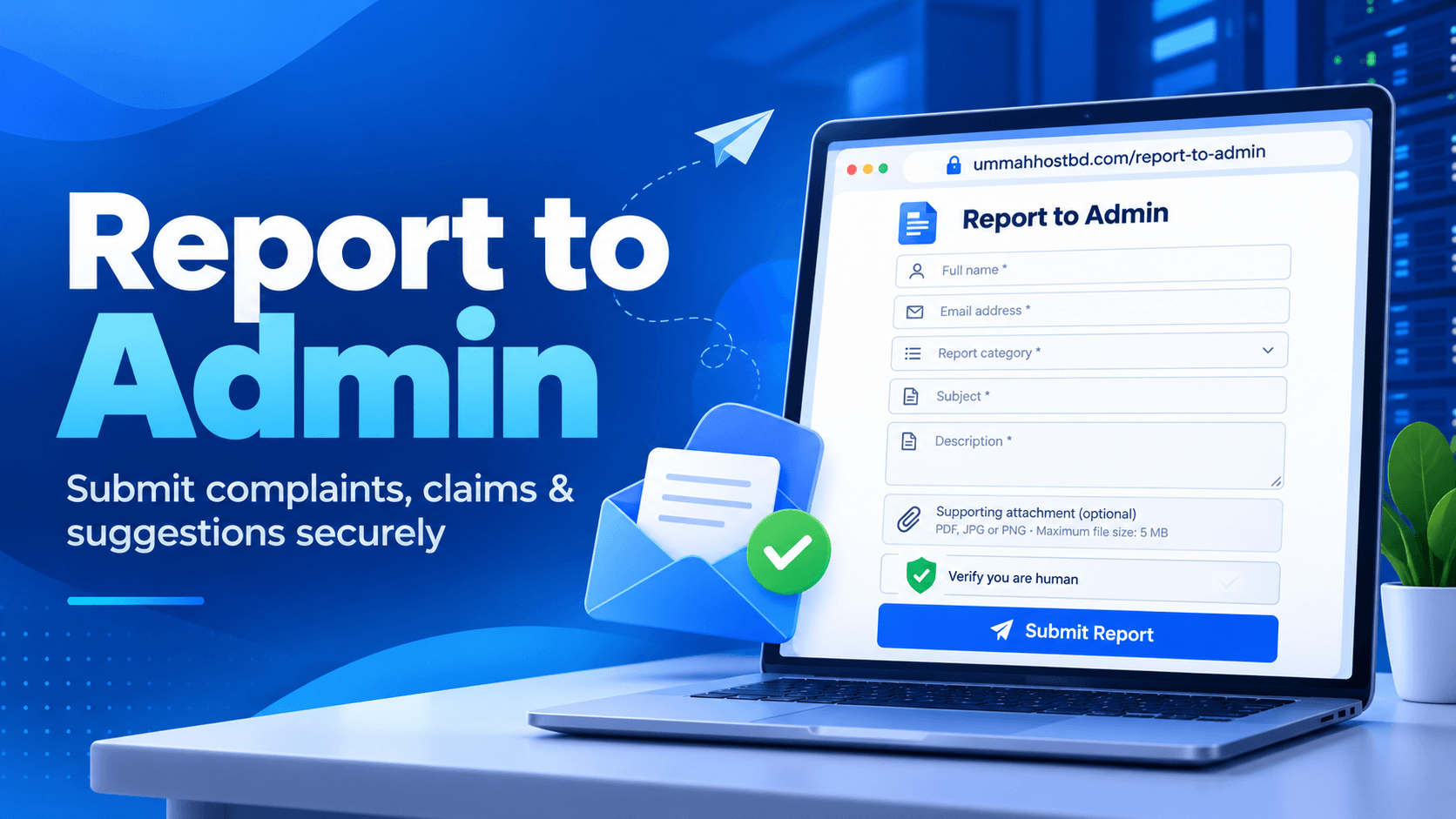
Ummah Host BD Report to Admin System: Submit Complaints, Claims & Suggestions
- By Mobarok Hussain
- 19 Oct, 2026
Ummah Host BD Introduces a Secure Report to Admin System for Registered Clients
Meta Title: Ummah Host BD Report to Admin – Submit Complaints, Claims & Suggestions Securely
Meta Description: Submit complaints, service claims, billing issues, security reports, and suggestions directly to Ummah Host BD administration through a secure email OTP verification system.
Suggested URL Slug: ummah-host-bd-report-to-admin-system
Introduction
At Ummah Host BD, customer satisfaction, service reliability, transparency, and security are among our key priorities. We understand that customers may occasionally need to report a service issue, raise a complaint, submit a claim, or share an important suggestion with our administration.
To make this process easier and more organized, Ummah Host BD provides a dedicated Report to Admin system that allows registered clients to communicate their concerns directly to the administration through a secure online form.
Clients can access the system at:
Official Report Portal: https://ummahhostbd.com/report-to-admin
The portal is designed exclusively for registered Ummah Host BD clients and includes email verification, report categorization, supporting document uploads, and security verification.
What Is the Ummah Host BD Report to Admin System?
The Report to Admin system is an official communication channel for registered clients who want to bring an issue, complaint, claim, or suggestion directly to the attention of Ummah Host BD administration.
Instead of relying on informal communication channels, clients can submit a structured report through the dedicated portal. This helps provide the administration with the information needed to understand the issue and review it appropriately.
Whether the concern relates to hosting services, billing, staff conduct, abuse, security, or another business matter, clients can use the system to submit their reports through one centralized channel.
How to Submit a Report to Ummah Host BD Administration
The submission process is straightforward and includes the following steps.
Step 1: Verify Your Registered Email Address
Visit the official Report to Admin page:
https://ummahhostbd.com/report-to-admin
Enter the primary email address registered with your Ummah Host BD account and click Send Verification Code.
A six-digit verification code will be sent to your email address. The code remains valid for 10 minutes.
Enter the code and click Verify Email and Continue.
Only registered clients who successfully verify their email address can proceed to the report form. This verification step helps ensure that the reporting process is linked to a registered client email address.
Step 2: Complete the Report Form
After successful email verification, the report submission form becomes available.
You will need to provide the following information:
Full Name: Enter your full name.
Email Address: Provide your contact email address.
Report Category: Select the category that best describes your concern.
Subject: Write a clear and relevant subject line.
Description: Explain the issue, complaint, claim, or suggestion in detail.
The description field supports between 20 and 5,000 characters, allowing clients to provide sufficient context and relevant information.
Email verification remains valid for 30 minutes, giving clients a limited period to complete and submit their reports.
Step 3: Select the Appropriate Report Category
To help the administration understand the nature of your concern, the portal provides several reporting categories.
Staff Complaint
Use this category to report concerns about staff conduct, communication, professionalism, or customer support experiences.
Service Complaint
Choose this category when experiencing problems with hosting services, VPS performance, server availability, or other service-related matters.
Billing & Payment
Use this option for billing discrepancies, payment-related concerns, invoice issues, or questions about financial transactions.
Abuse & Security
Report suspected abuse, security concerns, suspicious activity, or other issues that may require administrative attention.
Website Issue
Select this category to report problems with the Ummah Host BD website, client portal, or related online systems.
Partnership Concern
Use this category for partnership-related questions, business collaboration concerns, or other matters involving existing or proposed partnerships.
Other
If your concern does not fit any of the available categories, select Other and explain the matter clearly.
Step 4: Attach Supporting Documents if Necessary
Clients may optionally upload supporting documents to help explain their concerns.
The portal accepts the following file formats:
PDF
JPG
PNG
The maximum permitted attachment size is 5 MB.
Relevant screenshots, invoices, or other appropriate supporting documents can help the administration understand the reported issue. Please ensure that any uploaded documents contain only information necessary to review your report.
Important: Never include passwords, email verification codes (OTPs), or payment card information in your report or attachments.
Step 5: Complete Security Verification and Submit
Before submitting your report, complete the Cloudflare security verification challenge displayed on the form.
Once all required fields are completed and the security verification succeeds, click Submit Report.
Your report will be sent directly to the Ummah Host BD administration email for review. The administration may contact you through the email address provided in the form if additional information or clarification is required.
Why Use the Official Report to Admin Portal?
The dedicated reporting system offers several practical benefits for registered clients.
Direct Communication with Administration
The portal provides a dedicated channel for submitting concerns directly to the administration instead of relying solely on general support conversations.
Email OTP Verification
Six-digit email verification helps confirm access to the registered email address before the reporting form becomes available.
Organized Complaint Management
Report categories allow clients to describe the nature of their concerns more clearly, helping the administration understand what needs to be reviewed.
Supporting Document Uploads
Optional attachments allow clients to provide relevant evidence or documentation when necessary.
Security-Focused Submission
Email verification, a limited verification window, file type and size restrictions, and Cloudflare security verification help support a more controlled reporting process.
Convenient Online Access
Clients can access the reporting portal online without needing to visit an office or submit a physical complaint.
Who Can Use This System?
The Report to Admin system is exclusively available to registered Ummah Host BD clients.
To submit a report, you must use the primary email address registered with your Ummah Host BD account and successfully complete the email OTP verification process.
If you are not a registered client, or if you cannot access your registered email address, you may need to contact the appropriate Ummah Host BD support channel for assistance.
Tips for Submitting an Effective Report
To help the administration review your concern, follow these recommendations:
Use a clear and descriptive subject line.
Select the most relevant report category.
Explain the issue in a factual, professional, and organized manner.
Include relevant dates, service details, or transaction references when appropriate.
Attach supporting evidence if it helps explain the issue.
Provide a valid contact email address so the administration can request clarification if necessary.
Never share passwords, OTPs, or payment card information.
Providing complete and accurate information can make it easier for the administration to understand your concern.
Our Commitment to Customer Communication
Ummah Host BD believes that effective communication and responsible complaint handling are important parts of delivering dependable hosting services.
The Report to Admin system provides registered clients with a dedicated way to raise concerns, submit claims, report potential security issues, and share suggestions directly with the administration.
Every report can help highlight areas that may require investigation, clarification, or service improvement. Reports are subject to administrative review, and additional information may be requested when necessary.
Submitting a report does not automatically guarantee a particular outcome, compensation, or resolution. Each matter must be assessed according to its circumstances and the information provided.
Submit Your Report Today
If you are a registered Ummah Host BD client and need to report a complaint, claim, service concern, billing issue, security matter, or suggestion, please use our official reporting portal.
Visit the Report to Admin Portal:
https://ummahhostbd.com/report-to-admin
Verify your registered email address, complete the report form, and submit your concern directly to the Ummah Host BD administration team.
Ummah Host BD — Committed to Better Communication, Reliable Hosting, and Customer Satisfaction.

Author By
Mobarok Hussain
Mobarok Hussain is a Bangladeshi entrepreneur and technology professional best known publicly as the Chairman & Founder of Ummah Host BD, a Bangladesh-based web-hosting and infrastructure company. Ummah Host BD's own website lists him in that role and dates the company's leadership history to 2024.
Search Blog
Categories
- AI Tools & Automation 3
- Problem Solving 3
- RDP Hosting 4
- SMS Service 17
- IP Number 11
- Reseller Hosting 5
- Promo Offer 2
- Achieve 3
- SSD Hosting 5
- cPanel Hosting 7
- BDIX Hosting 7
- Email Hosting 4
- Dedicated Server 7
- User Guide 0
- Security 5
- Online security 6
- Business 5
- SEO 3
- VPS Hosting service 33
- Manage Hosting 1
- domain hosting service 29
- Domain 1
- Hosting 46
Latest News
18 Oct, 2026